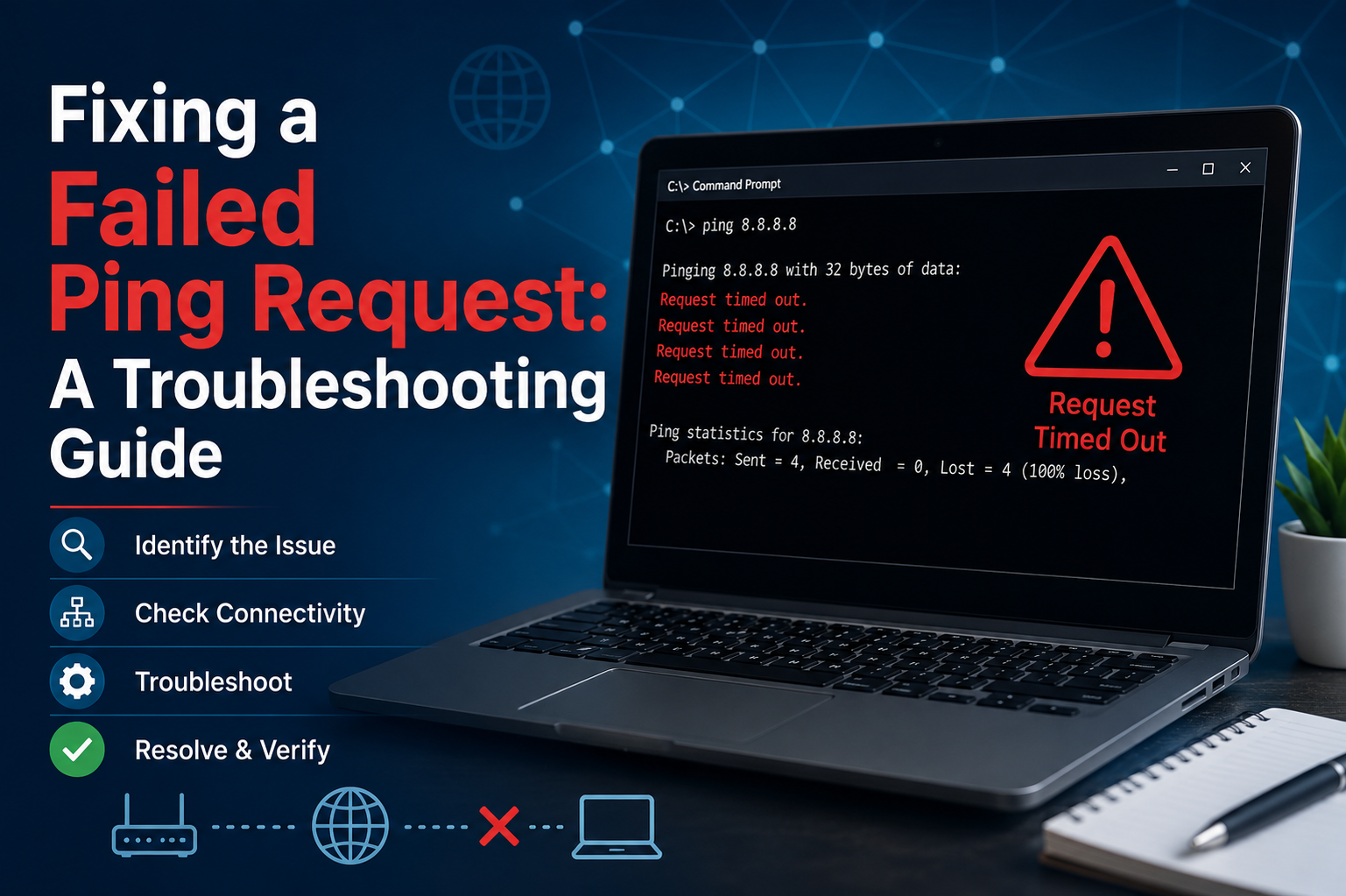
A failed ping request is often the first visible symptom of a deeper networking issue. Although it appears as a simple command output, it represents a breakdown in communication between two devices over an IP network. When a ping fails, it means that the sending device transmitted a small packet of data but did not receive a response within the expected time. This failure does not automatically confirm a total network outage. Instead, it indicates that somewhere along the communication path, a problem is preventing successful delivery or return of data.
The importance of understanding this distinction cannot be overstated. Many users assume that a failed ping means “the internet is down,” but in reality, the issue could be as small as a misconfigured IP address or as complex as a routing failure between multiple network segments. A structured approach is necessary to identify the true cause.
Establishing a Baseline with Local System Checks
Before investigating external network components, it is important to confirm that the local system is functioning correctly. This involves checking whether the operating system’s networking components are working as expected. One of the simplest ways to do this is by verifying internal communication within the device itself.
If internal communication is functioning properly, it indicates that the system’s network stack is operational. However, if even internal communication fails, the issue is likely related to corrupted network drivers, misconfigured settings, or system-level faults. In such cases, external troubleshooting becomes unnecessary until the internal issue is resolved.
Restarting the system can often clear temporary glitches. While this may seem overly simple, many network issues arise from cached configurations or temporary driver malfunctions that are resolved during a reboot cycle.
Verifying Physical Network Connections
Physical connectivity is one of the most overlooked causes of failed ping requests. A device may appear to be functioning normally while actually being disconnected at the hardware level. In wired environments, loose Ethernet cables, damaged connectors, or faulty network ports can disrupt communication entirely.
In wireless environments, weak signal strength or interference can cause packet loss severe enough to make ping requests fail. Physical obstructions, distance from the access point, and interference from other electronic devices can all contribute to unstable connectivity.
Ensuring a stable physical connection is a foundational step in troubleshooting. Without it, no amount of software-level configuration will resolve the issue.
Analyzing IP Address Configuration Issues
A correct IP configuration is essential for successful network communication. Each device must have a valid IP address that aligns with the network’s addressing scheme. If a device has an incorrect, missing, or duplicate IP address, communication attempts may fail.
Automatic IP assignment systems are commonly used to simplify network management, but they are not immune to failure. If the automatic assignment process fails, a device may assign itself a fallback address that is not valid within the network. This results in limited or no connectivity.
Manually reviewing the assigned IP configuration helps identify whether the device is properly integrated into the network. If inconsistencies are found, renewing the IP assignment or correcting the configuration resolves many ping-related issues.
Testing Communication with the Local Host Environment
One of the most effective ways to isolate a networking problem is by testing communication within the local system environment. This step helps determine whether the issue lies within the device or outside it.
If the local communication test fails, it indicates that the problem is internal. This could involve corrupted network drivers, disabled services, or system misconfigurations. On the other hand, if the local test succeeds, it confirms that the system is capable of basic network communication and that the issue lies outside the device.
This distinction is critical because it prevents unnecessary troubleshooting of external network components when the root cause is internal.
Evaluating Gateway Connectivity
The default gateway serves as the bridge between a local network and external networks. If a device cannot communicate with its gateway, it cannot reach other networks beyond its local segment.
A failed ping to the gateway typically indicates a problem within the local network infrastructure. This could involve incorrect subnet settings, router malfunction, or physical disconnection between the device and the gateway.
When multiple devices experience the same issue, the likelihood increases that the router or network infrastructure is the source of the problem. In such cases, restarting or reconfiguring the gateway device may restore connectivity.
Understanding DNS Influence on Ping Results
Although ping primarily works with IP addresses, domain names are often used for convenience. When a domain name is used, it must first be translated into an IP address through a resolution process. If this translation fails, the ping request will also fail, even if the network itself is functioning correctly.
This creates a common misunderstanding where users believe the network is down when in reality only the name resolution process is failing. Testing direct IP communication helps separate DNS issues from actual network failures.
If IP-based pings succeed while domain-based pings fail, the issue is almost certainly related to name resolution rather than connectivity.
Investigating Firewall and Security Restrictions
Security systems are designed to protect networks from unauthorized access, and one of their methods involves blocking certain types of network traffic. Ping requests rely on a specific type of network message, and many firewalls are configured to block this traffic by default.
This means that even if two devices are fully connected and operational, ping requests may still fail due to security policies. Both local device firewalls and network-level security systems can contribute to this behavior.
Identifying whether a firewall is blocking ping traffic requires careful testing. Temporarily adjusting security settings can help determine whether the firewall is responsible, but these settings should always be restored afterward to maintain system protection.
Examining Network Congestion and Traffic Load
Network congestion is another factor that can cause intermittent or complete ping failure. When too many devices are transmitting data simultaneously, network resources become strained. This can result in delayed responses or dropped packets.
Unlike configuration errors, congestion-related issues are often inconsistent. A ping may succeed one moment and fail the next. This variability is a strong indicator of overloaded network infrastructure.
In such cases, reducing network load or distributing traffic more evenly can improve performance. Upgrading network hardware may also be necessary in environments with consistently high traffic demands.
Identifying Routing Problems in Complex Networks
In larger or more complex networks, routing plays a critical role in determining how data travels between devices. If routing tables are incorrect or incomplete, packets may be sent in the wrong direction or dropped entirely.
Routing issues are often difficult to detect because they may only affect specific destinations while others remain reachable. This selective failure pattern is a key indicator of routing misconfiguration.
Resolving routing problems typically involves reviewing network paths and ensuring that correct routes are defined for all necessary destinations.
Considering Hardware Failures in Network Devices
While software and configuration issues are more common, hardware failure should not be overlooked. Network adapters, routers, switches, and cables can all degrade over time.
A failing network interface may intermittently drop packets, leading to unreliable ping results. Similarly, malfunctioning routers or switches can disrupt entire segments of a network.
Testing with alternative hardware components is often the most effective way to confirm hardware-related issues. If replacing or bypassing a device resolves the problem, the original hardware is likely faulty.
Final Troubleshooting Approach and Logical Progression
Effective troubleshooting requires a structured and logical approach. Jumping randomly between potential causes often leads to confusion and wasted effort. Instead, issues should be addressed from the simplest and most likely causes to the more complex ones.
Starting with physical connections and basic configurations helps eliminate common problems early. From there, moving toward gateway checks, DNS validation, security settings, and routing analysis ensures that no potential cause is overlooked.
Each step narrows down the possible source of failure until the exact cause is identified. This methodical process is what makes network troubleshooting both efficient and reliable.
Conclusion
A failed ping request is not just a simple error message but a valuable diagnostic signal. It provides insight into the health and connectivity of a network at multiple levels. By understanding how ping works and systematically analyzing each potential point of failure, it becomes possible to accurately identify and resolve network issues.
From physical connections to IP configuration, from firewall restrictions to routing errors, each layer of the network plays a role in determining whether communication succeeds or fails. A disciplined troubleshooting approach ensures that problems are not only fixed but also understood, reducing the likelihood of repeated issues in the future.
Ultimately, mastering the process of diagnosing failed ping requests builds a stronger foundation in networking and improves overall system reliability in both personal and professional environments.